Version control that you'll actually want to use
Collaborate on software projects without the fear, confusion, and workflow friction of traditional version control. NiceGit removes the hard parts of Git with one-click syncing, real-time collaboration awareness, and workflows designed for people – from developers and non-developers alike.
NiceGit is currently in private beta and evolving with feedback from early users. Download the desktop app Join the mailing list.
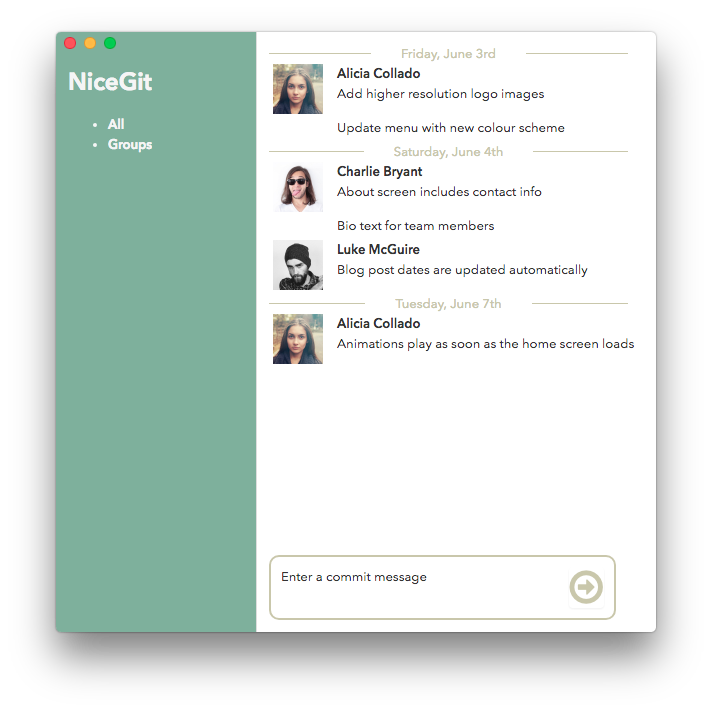
The problem with traditional Git
Merge conflicts. Broken branches. Designers blocked. Fear of pulling changes. Non-technical contributors avoid the tools entirely or rely on engineers to make routine changes.
NiceGit fixes that – without replacing the Git setup you already rely on.
Built to help people contribute confidently without fear of breaking workflows or losing work.

Built for modern software collaboration
NiceGit is designed for studios, startups, product teams, and contributors where not everyone speaks Git – but everyone needs to stay in sync.
Works on Windows 10 or later and macOS 12 (Monterey) or later, Intel and ARM.
How it works
Simple by design
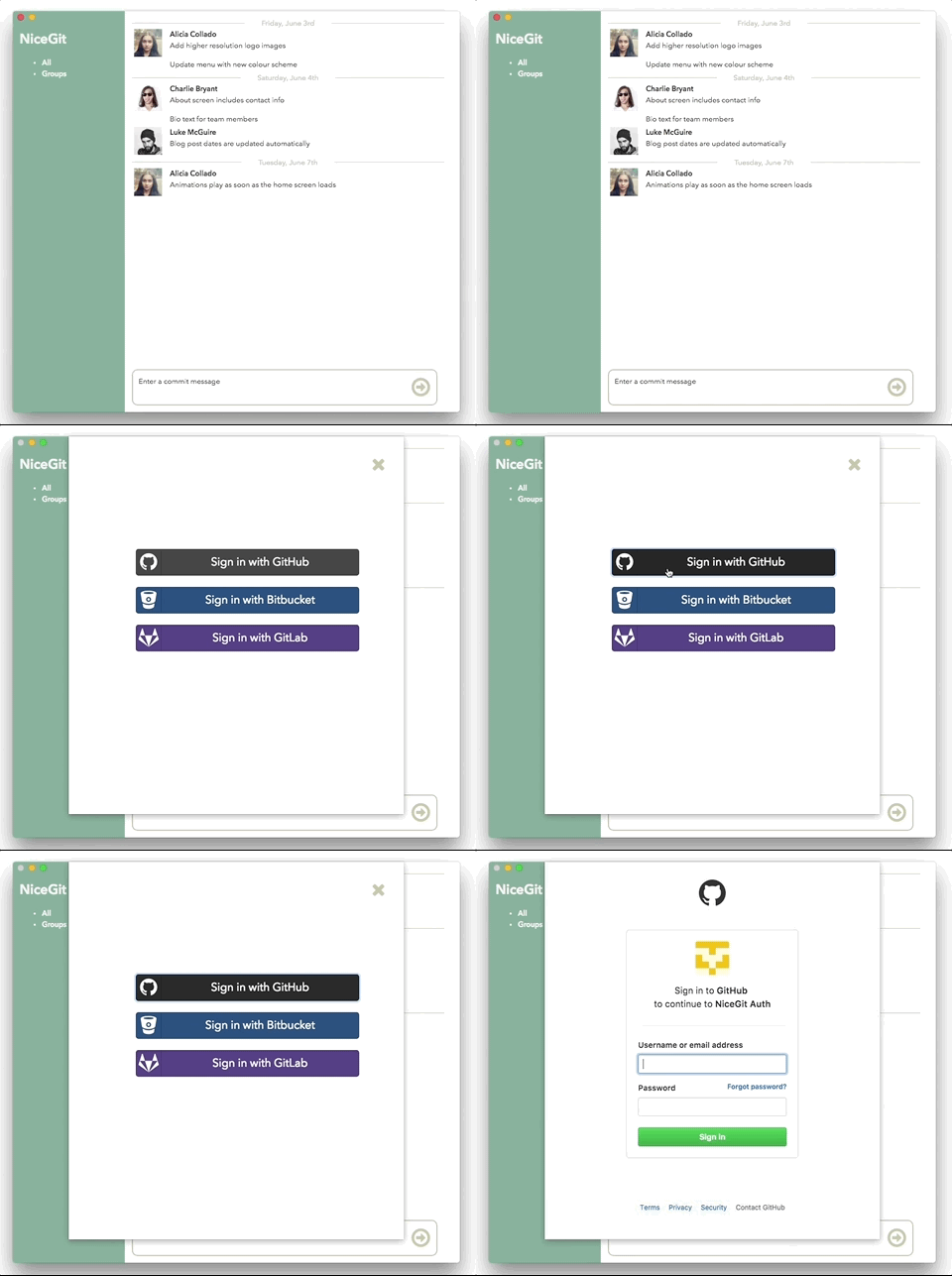
- Connect your existing repository on GitHub, GitLab, or Bitbucket.
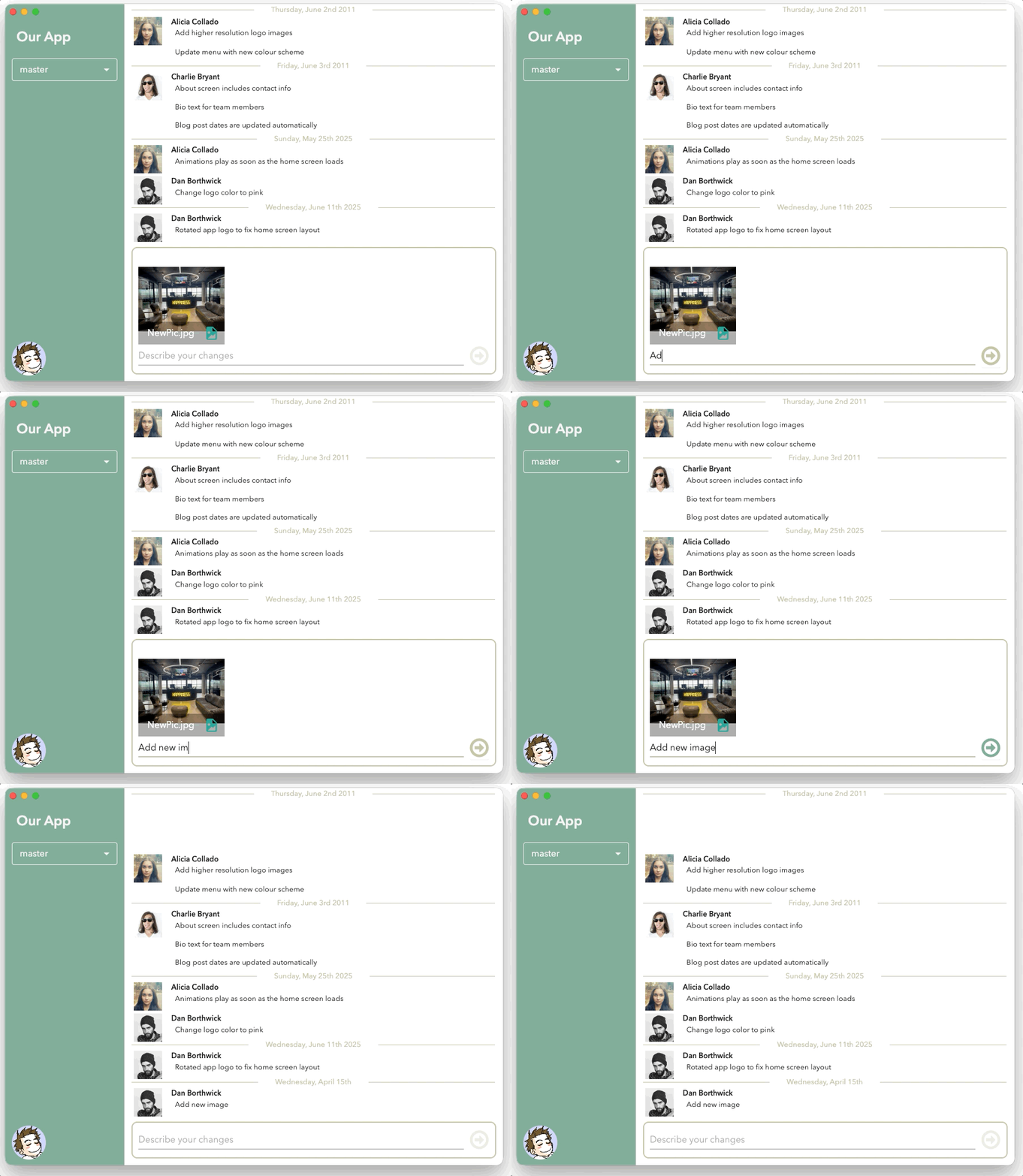
- NiceGit tracks file activity in real time.
- Everyone sees who is working on what before conflicts happen.
- Sync changes safely with one click.
- Git stays fully compatible underneath.
What you'll need
Just a project hosted on GitHub, GitLab, or Bitbucket. NiceGit will walk you through the rest – whether you're cloning a fresh copy or opening something already on your device.
New to the setup? The Installation guide and Getting Started Guide have you covered.

Help shape the product
We’re building NiceGit alongside early users and actively using feedback to improve the experience.
Works on Windows 10 or later and macOS 12 (Monterey) or later, Intel and ARM.
Use the feedback button in the bottom-left corner of the Desktop app, or email us directly at hello@nicegit.com





Not ready to try the beta yet?
- Join the mailing list for product updates, new beta releases, and early access announcements.
- Be among the first to experience a simpler way to work in Git.
- Limited beta spots available.